AI Workbench · Desktop · Free
Put a team of AI coding agents to work. And see every move they make.
AI Workbench runs the agent tools you already use as one coordinated team, on your own machine, against your own repositories. Each agent works on its own branch in its own git worktree; their work meets on an integration branch you merge or open as a pull request. It runs beside whichever editor you use, on Windows (with WSL), Linux and macOS.
winget install MojoUp.AIWorkbenchbrew install --cask mojo-up/tap/ai-workbenchyay -S ai-workbench-bin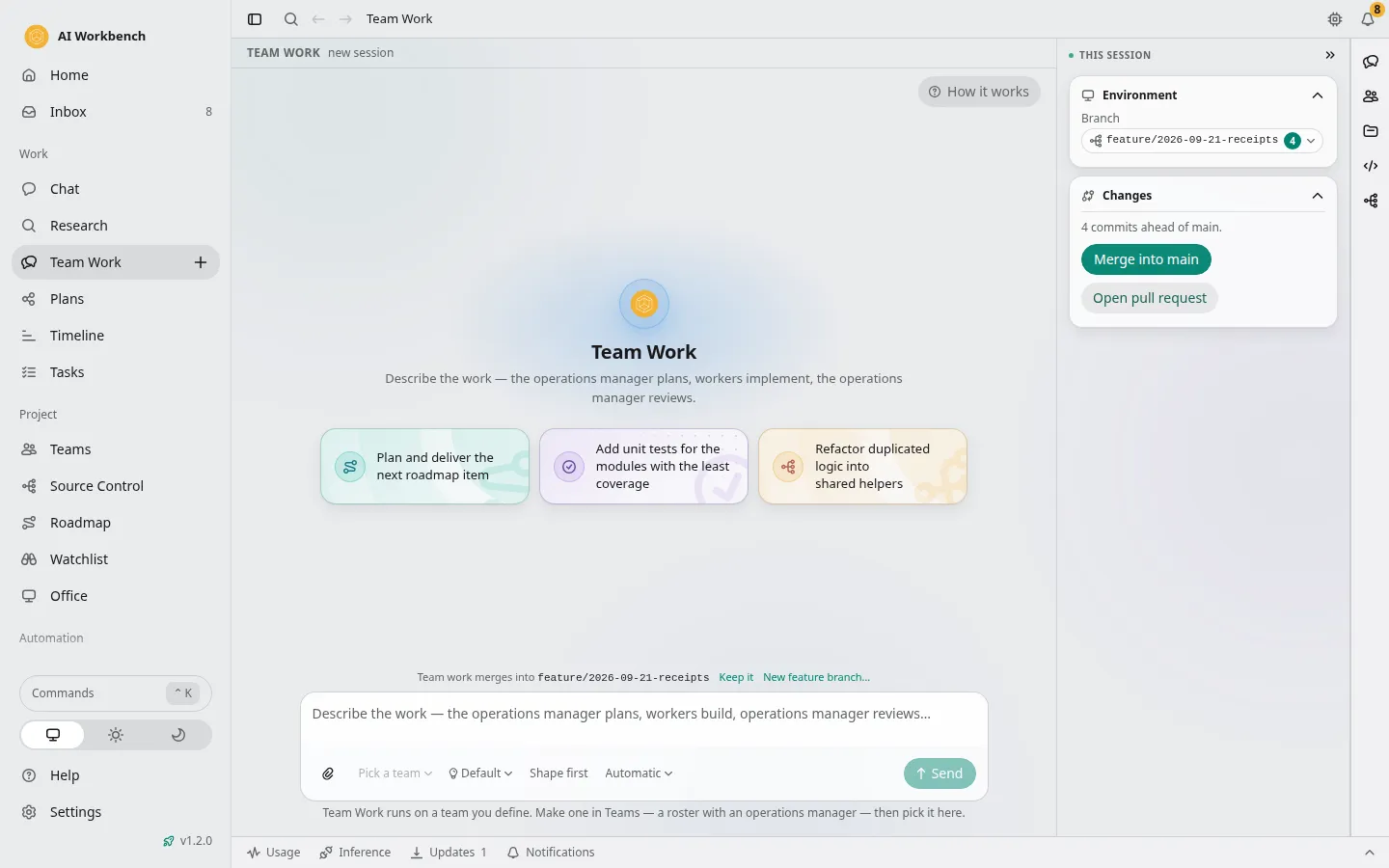
What you can do with it
One agent is a chatbot. A team is a workforce.
A stronger model plans and reviews, cheaper or local models do the work, and a review-and-revise loop asks you only when the team stalls.
Teams and specialists
Build a team from specialists, each with a role, an agent tool, a model, skills and a place to run. Save it as a template the whole organisation reuses.
Plans and the task board
Shape an idea into a brief, turn it into a plan with acceptance criteria and tasks that name their files, approve it, and watch agents start, block, delegate and finish. Mirrors to GitHub Issues or Azure Boards.
Memory
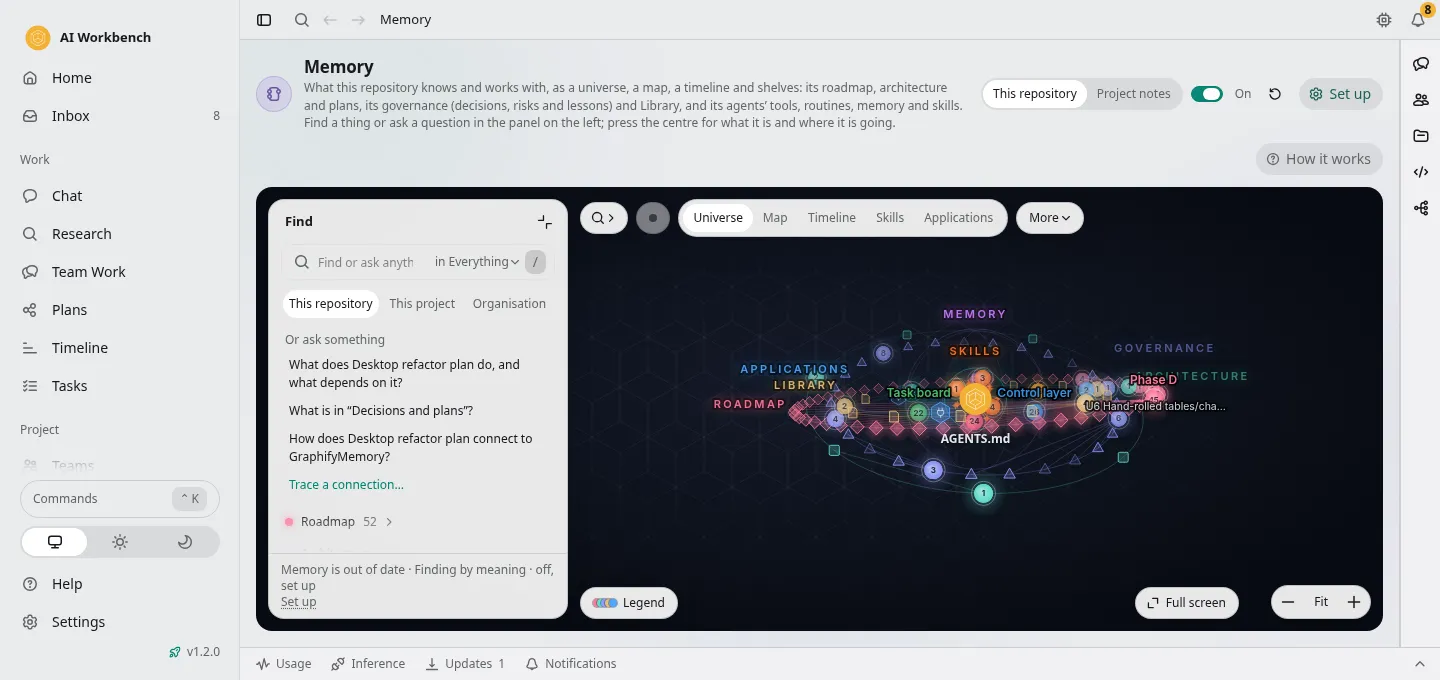
Each repository becomes a knowledge graph agents query instead of re-reading files. A project's memory is every repository's graph together. Notes export to an Obsidian vault.
The inbox
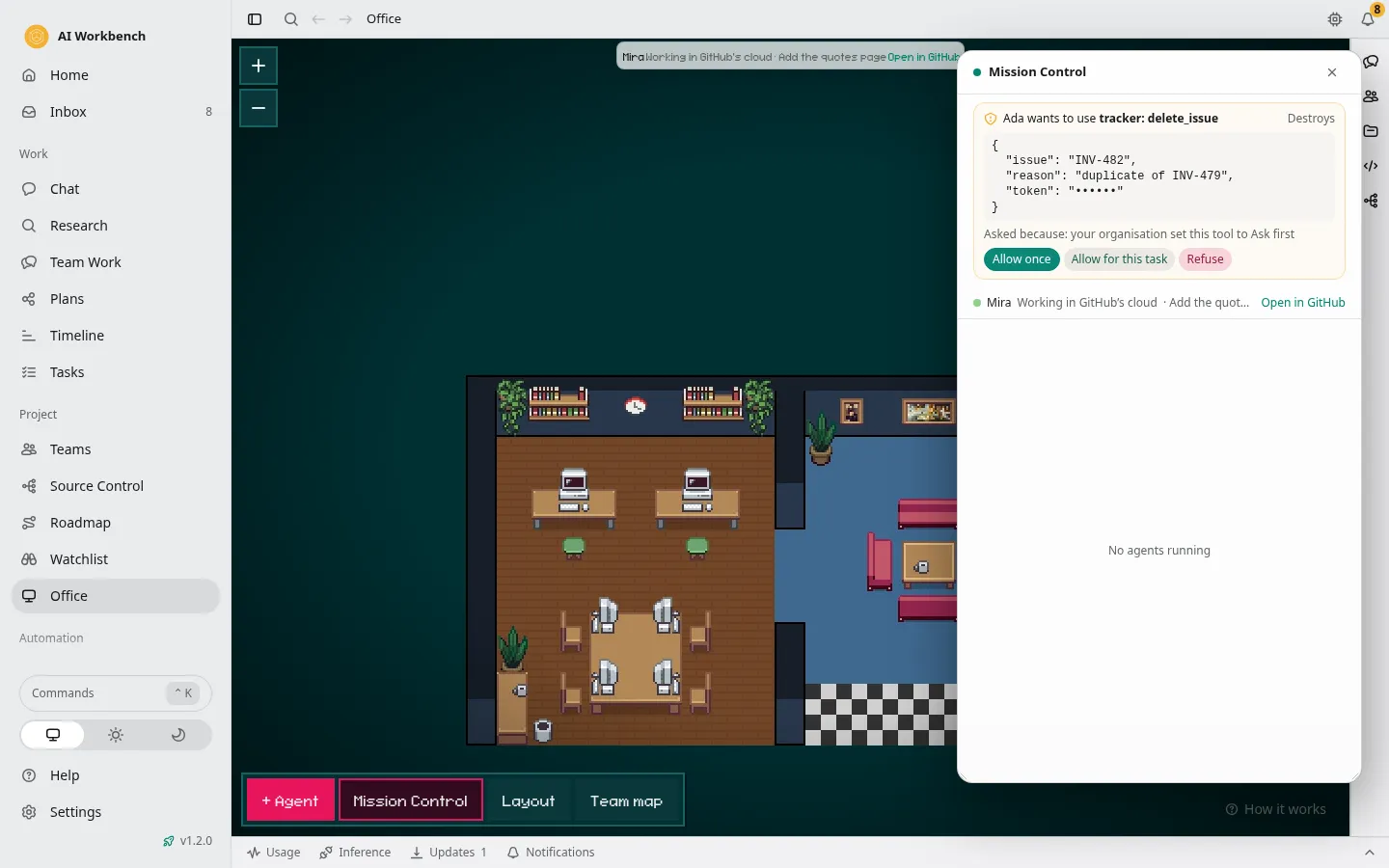
One bell for approvals, questions, finished or failed turns, tasks ready for review, pull requests, routines and updates, with quiet hours and muted projects.
Source control and pull requests
A branch map, the merge of each agent's work into an integration branch, diff review, and pull requests on GitHub and Azure DevOps from the app.
Routines and pipelines
Scheduled work per repository: nightly reviews, dependency updates, docs refreshes. GitHub Actions and Azure Pipelines runs, with logs, from the same place.
The built-in browser
Browser tabs inside the app that you and your agents both drive, for checking a web app while it is built.
Local models
A model hub for the bundled llama.cpp runner, Ollama and LM Studio, with a proxy that repairs what almost-OpenAI-compatible servers get wrong. Hosted providers sit behind the same gateway with budgets and fallbacks.
Bring the licences you already pay for
We do not resell tokens.
Your Copilot seat, your Claude account, your Codex or Google sign-in keep working exactly as they do today. Change a team member's runtime and carry on; nothing about your plans, board or memory depends on which vendor wrote the code.
- GitHub Copilot CLI
- Claude Code
- OpenAI Codex
- Google Antigravity
- OpenCode
- Kilo Code
- Grok Build
- Cline
- Cursor
- Amp
- Goose
- Kiro
- Qwen Code
- Mistral Vibe
- Droid
- Ollama
- LM Studio
- llama.cpp
- Anthropic
- OpenRouter
- Azure AI Foundry
- Amazon Bedrock
- xAI
- and about thirty more agent CLIs it finds on your machine
A look inside
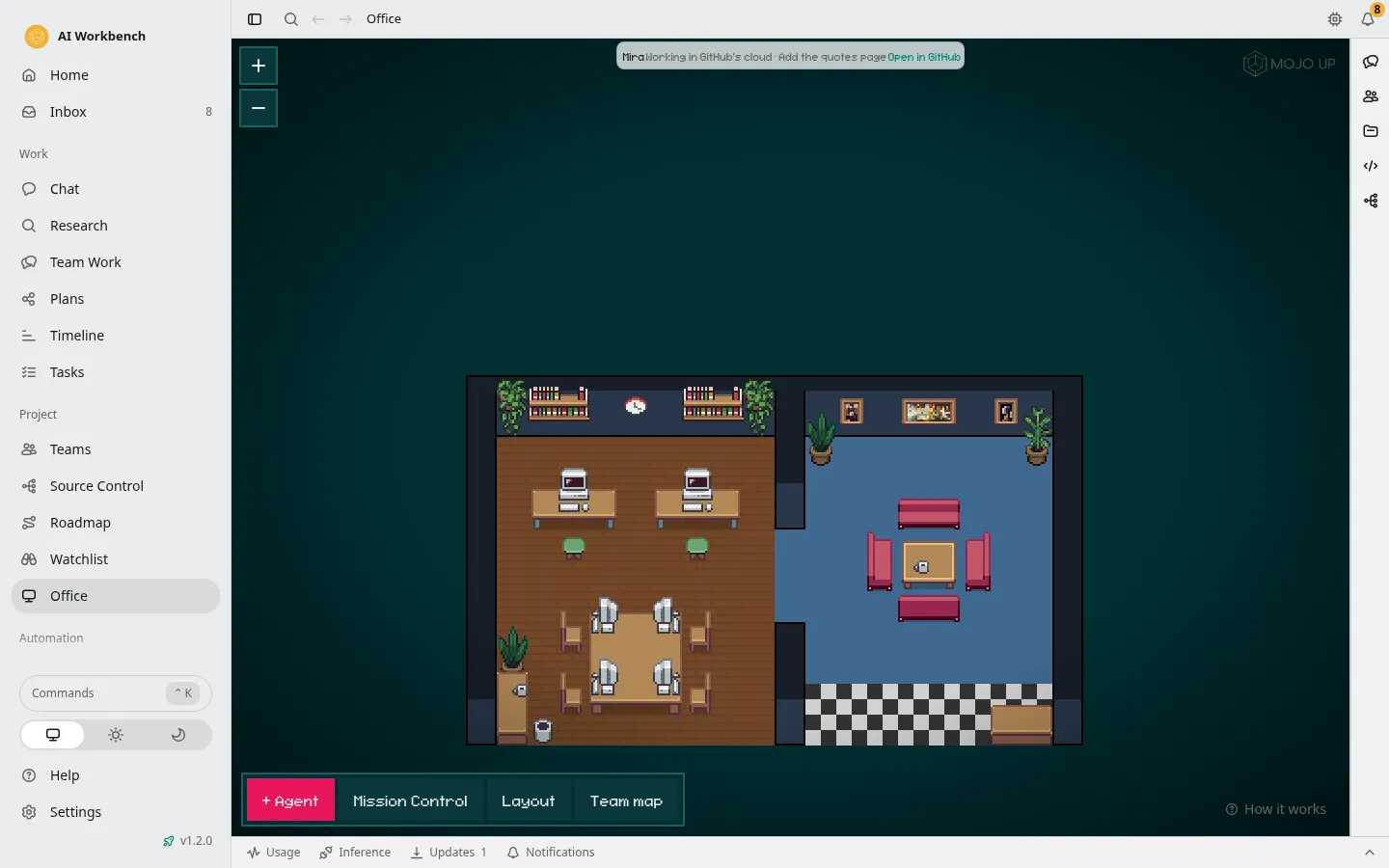
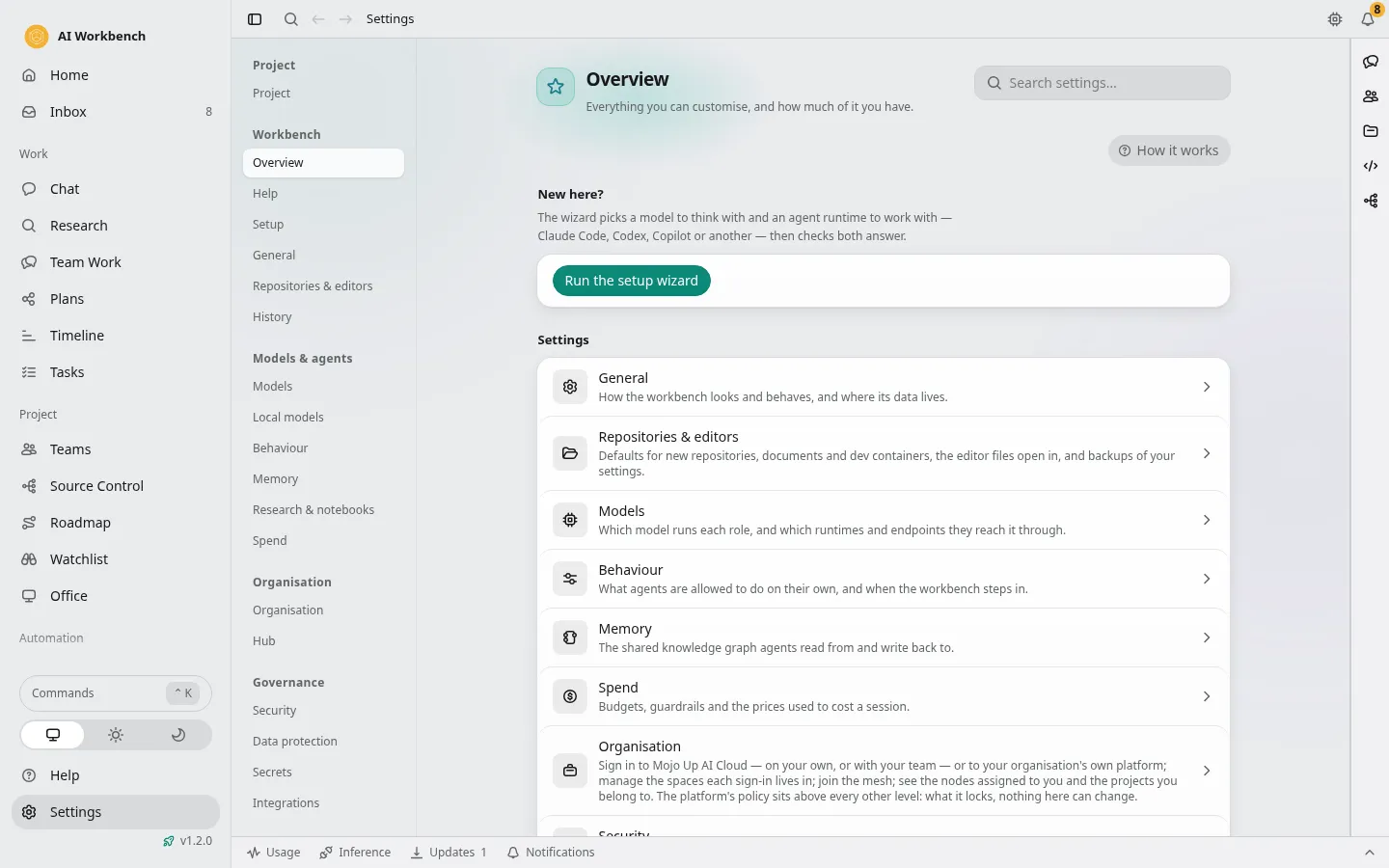
Five views, one project.
Taken from the app's own demo data. Nothing in them is anyone's real project.
Watch
Introducing AI Workbench.

Introducing AI Workbench
The system around your agents.
AI Workbench: Individual to Enterprise
From one person to the whole enterprise, governed.
Security
Governed from the first commit.
- Audit. Every state change goes through one control layer that records the actor, the action and the target, for people, agents and remote clients alike.
- Policy. A committed policy file sets which agent tools, providers, approvals and network destinations a repository allows. A ceiling no settings layer can loosen.
- DLP. A local classifier finds secrets and personal data in what an agent is about to send and redacts or blocks it before it leaves the machine.
- Kill switch. One switch drops every remote client at once.
- Secrets. Keys and tokens live in the operating system's store; a host never writes a secret to disk.
- Signed builds. Signed installers with in-app updates verified against the release's SHA-256, on winget, Homebrew, the AUR and the Mojo Up portal.
Free on your own. Connected with Mojo Up AI Cloud.
Download AI Workbench, open the setup wizard, and hand your first team a brief. Sign in with Mojo Up when you want remote control, backups and a team.